Building My Own ChatGPT UI
writing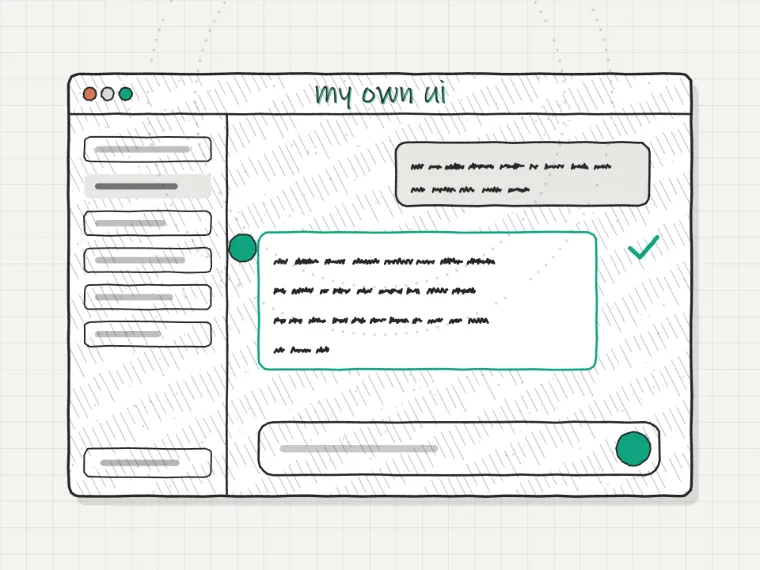
I use ChatGPT every day for coding, writing, and research. Early on I found the default interface frustrating in small but consistent ways: no persistent system prompts per conversation type, no keyboard shortcuts, text that renders as a wall of markdown, and no way to see token counts before I burn through a context window. So I built my own wrapper around the OpenAI API. It is not complicated, but the process taught me a lot about what makes AI interfaces feel good versus feel annoying.
Custom ChatGPT UI
Streaming is Not Optional
The single biggest thing that makes an AI chat interface feel fast or slow is whether you stream the response. Without streaming you wait for the full response, then it appears all at once. With streaming you see characters appear almost immediately, which makes a 10-second response feel acceptable in a way a 10-second blank wait never does. The OpenAI API supports server-sent events for streaming. Wiring it up in a Next.js app takes about 20 lines.
Streaming response in a Next.js route handler
// app/api/chat/route.ts
import OpenAI from 'openai';

const openai = new OpenAI();

export async function POST(req: Request) {
  const { messages } = await req.json();

  const stream = await openai.chat.completions.create({
    model: 'gpt-4o',
    messages,
    stream: true,
  });

  const encoder = new TextEncoder();
  const readable = new ReadableStream({
    async start(controller) {
      for await (const chunk of stream) {
        const text = chunk.choices[0]?.delta?.content ?? '';
        controller.enqueue(encoder.encode(text));
      }
      controller.close();
    },
  });

  return new Response(readable, {
    headers: { 'Content-Type': 'text/plain; charset=utf-8' },
  });
}
System Prompts Per Context
One of the most useful features I added was the ability to save system prompts as presets. When I am asking coding questions I want a different prompt than when I am asking for writing feedback. Storing a handful of named system prompts in localStorage and letting me switch between them with a dropdown took maybe an hour to build and improved how useful the tool felt for me personally by a lot.
The specific system prompts I use for coding work tell the model to keep responses concise, prefer TypeScript, assume Next.js App Router, and not repeat the question back to me. Small constraints like these make the output much more useful than the default general-purpose behavior.
Context Window Management
The default ChatGPT interface gives you no visibility into how much context you have used. In a long conversation you can hit the limit and suddenly the model starts losing track of earlier parts of the discussion, often without making it obvious. I added a simple token counter (using the tiktoken library) that shows a bar filling up as the conversation grows and warns you when you are getting close. When the conversation is approaching the limit I automatically summarize older messages and replace them with the summary to keep the most relevant context.
What I Learned
Building the interface made me a lot more aware of how much of the AI experience is actually UI rather than model quality. The model is the same. But whether responses feel fast or slow, whether you feel in control or confused, whether you can find a conversation from last week. All of that is interface design. The underlying model could double in capability and a bad interface would still make it frustrating to use.
I also stopped using my custom wrapper after about three months when the official ChatGPT app improved enough to cover most of what I had built. That is fine. The exercise was still worth it. I understand the API well enough now that integrating GPT into other projects feels straightforward rather than mysterious.